Skip to content
  • Home
  • About
  • Brands
  • Shades
  • Showcase
  • Showroom
  • Web Shop
  • Contact
  • Home
  • About
  • Brands
  • Shades
  • Showcase
  • Showroom
  • Web Shop
  • Contact
Request Consultation
Home / Web Shop / KNX Smart Touch Panel KNX Smart Touch S7 with Rotary switch
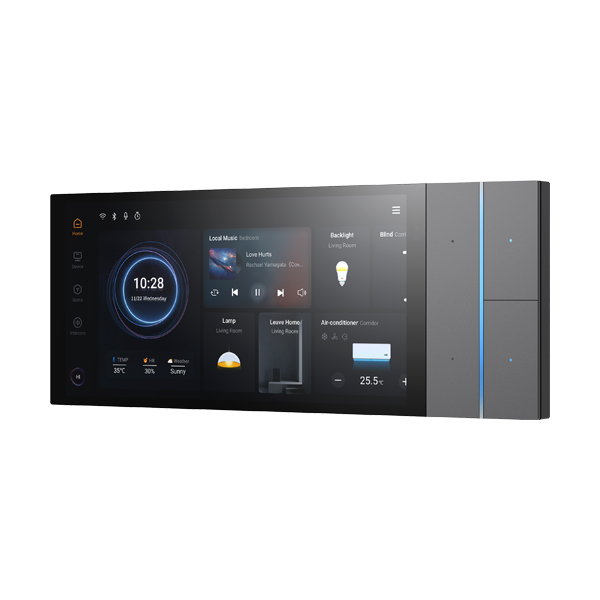
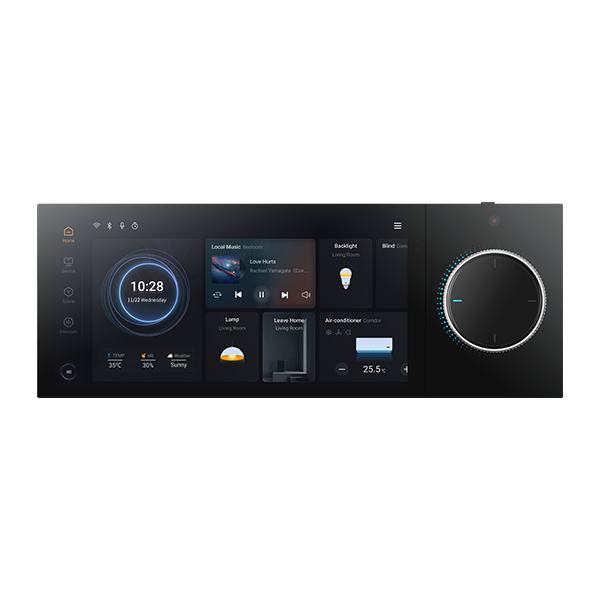
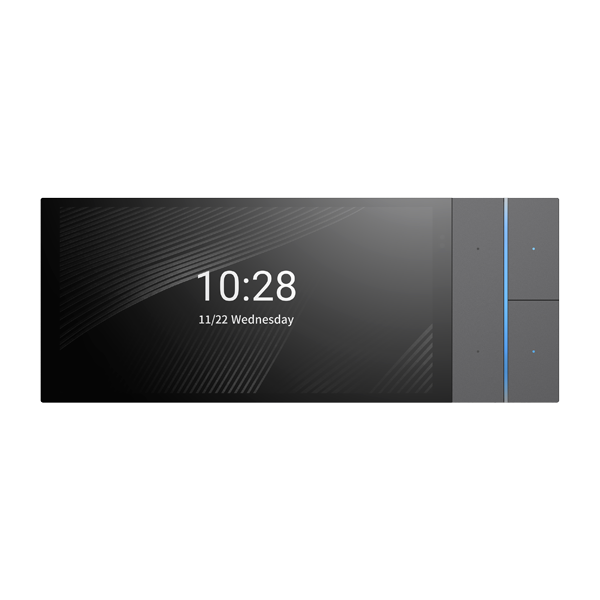
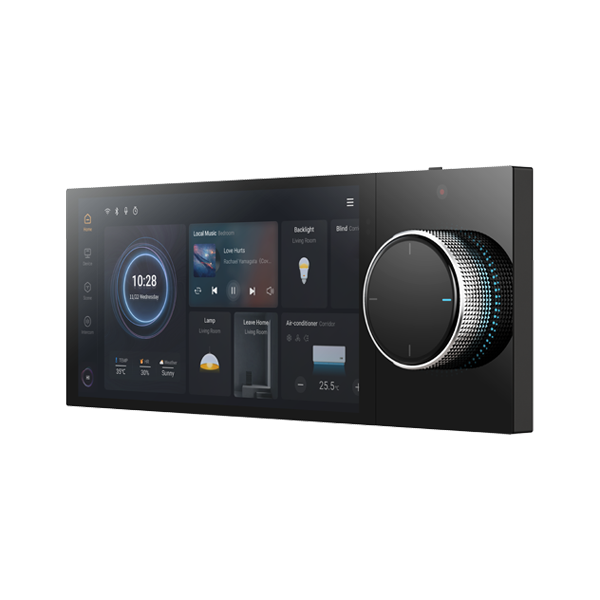
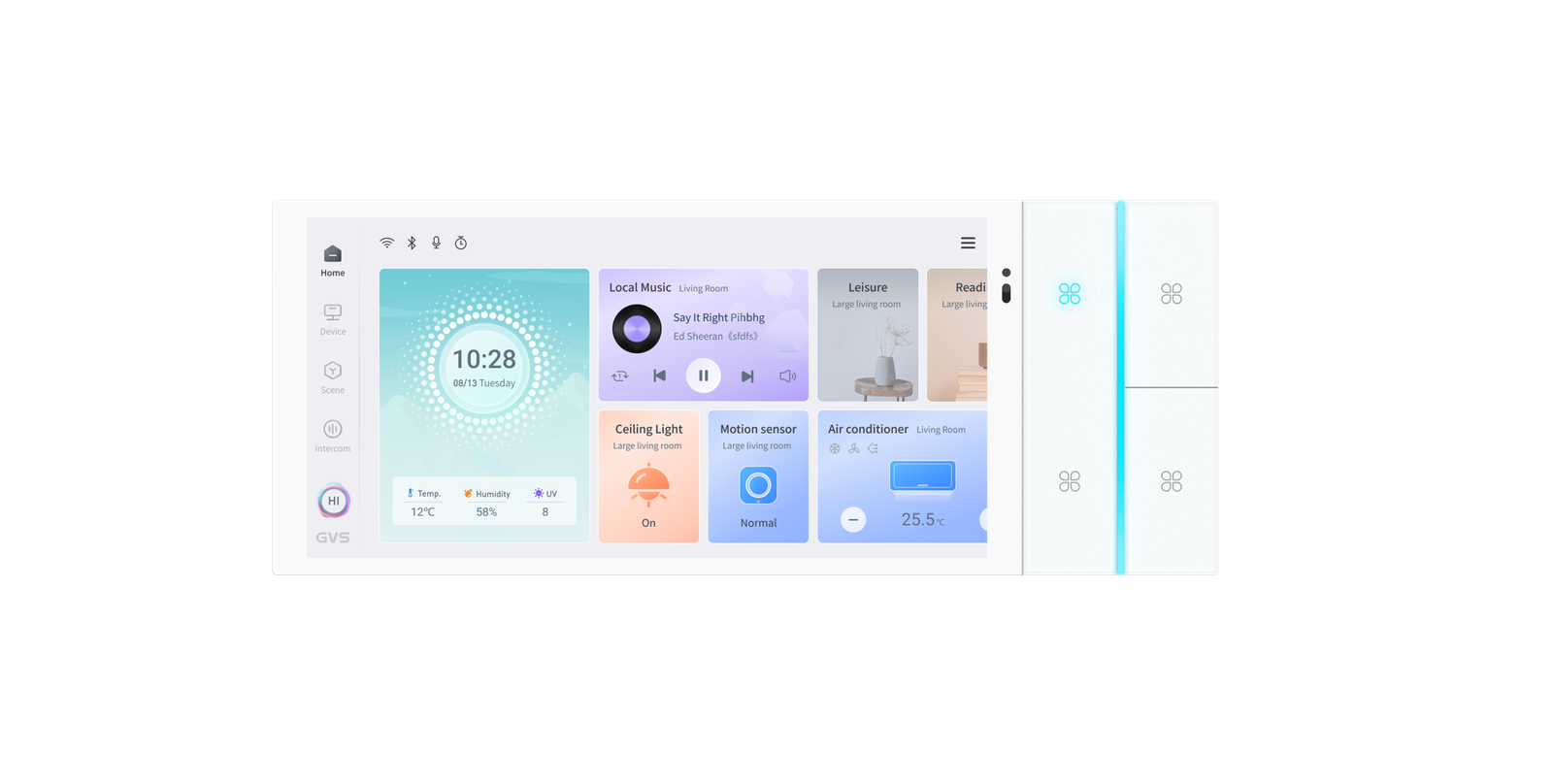
KNX Smart Touch Panel KNX Smart Touch S7 with Rotary switch
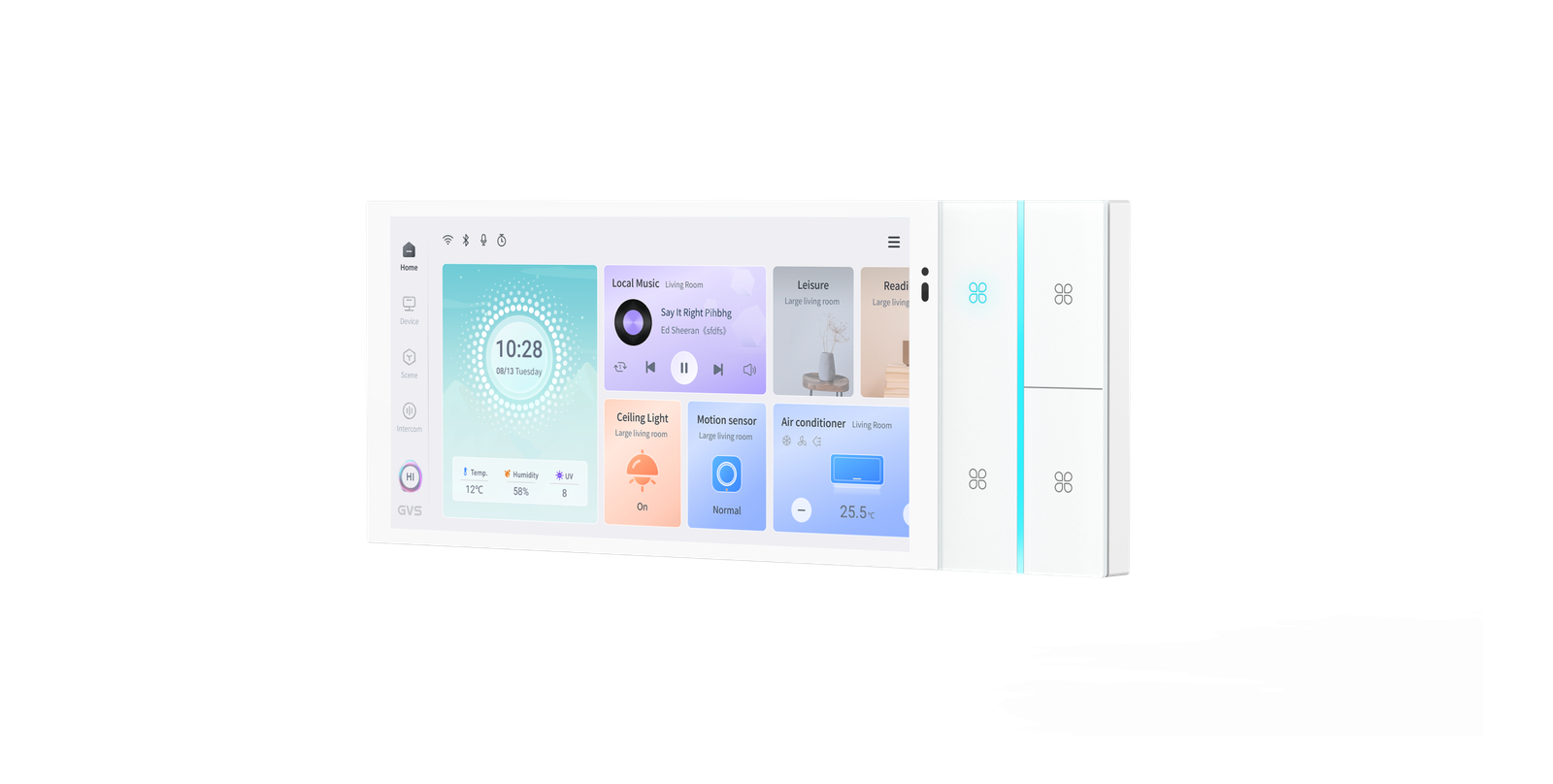
KNX Smart Touch Panel KNX Smart Touch S7 with Rotary switch - Image 2
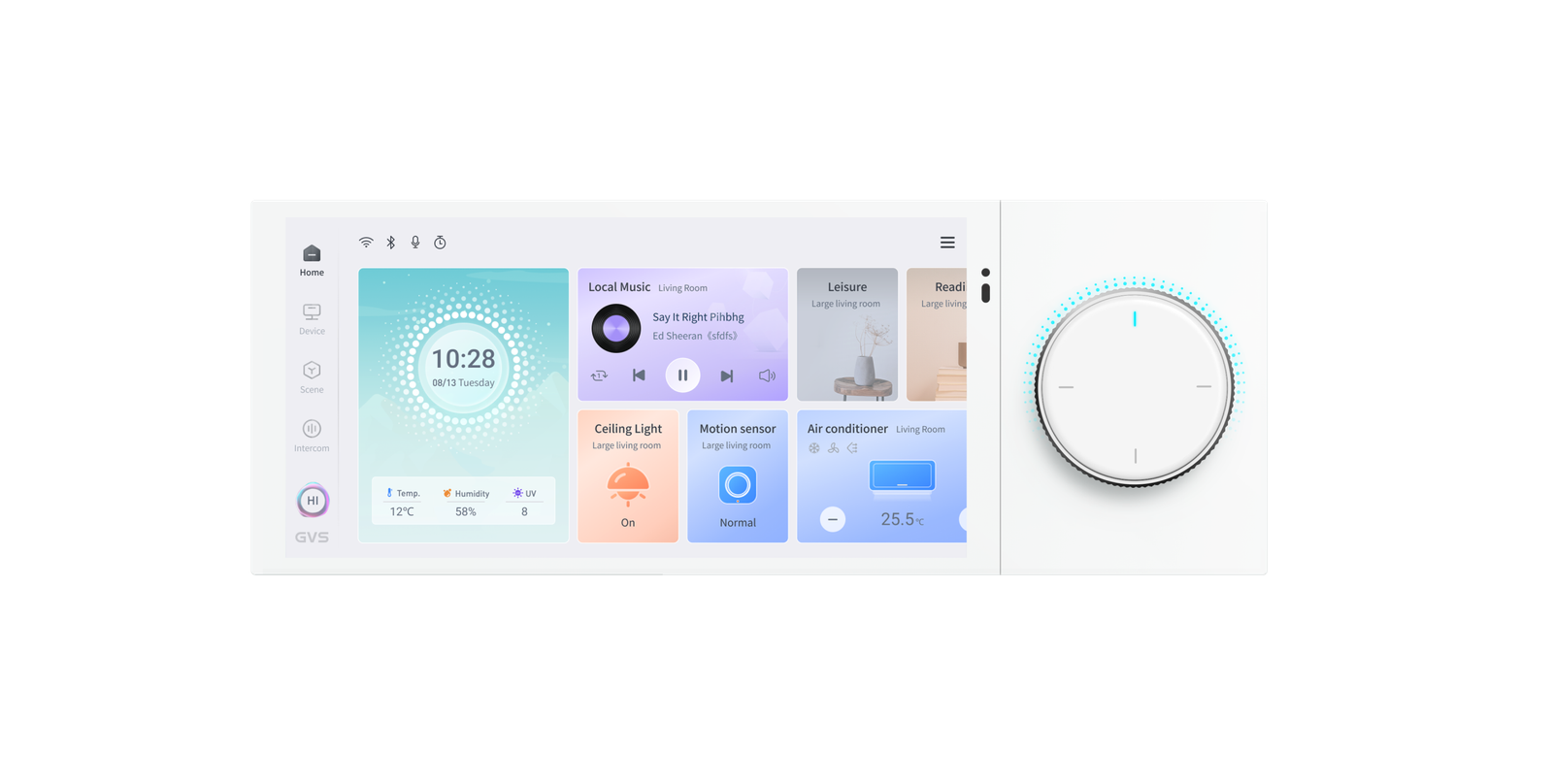
KNX Smart Touch Panel KNX Smart Touch S7 with Rotary switch - Image 3
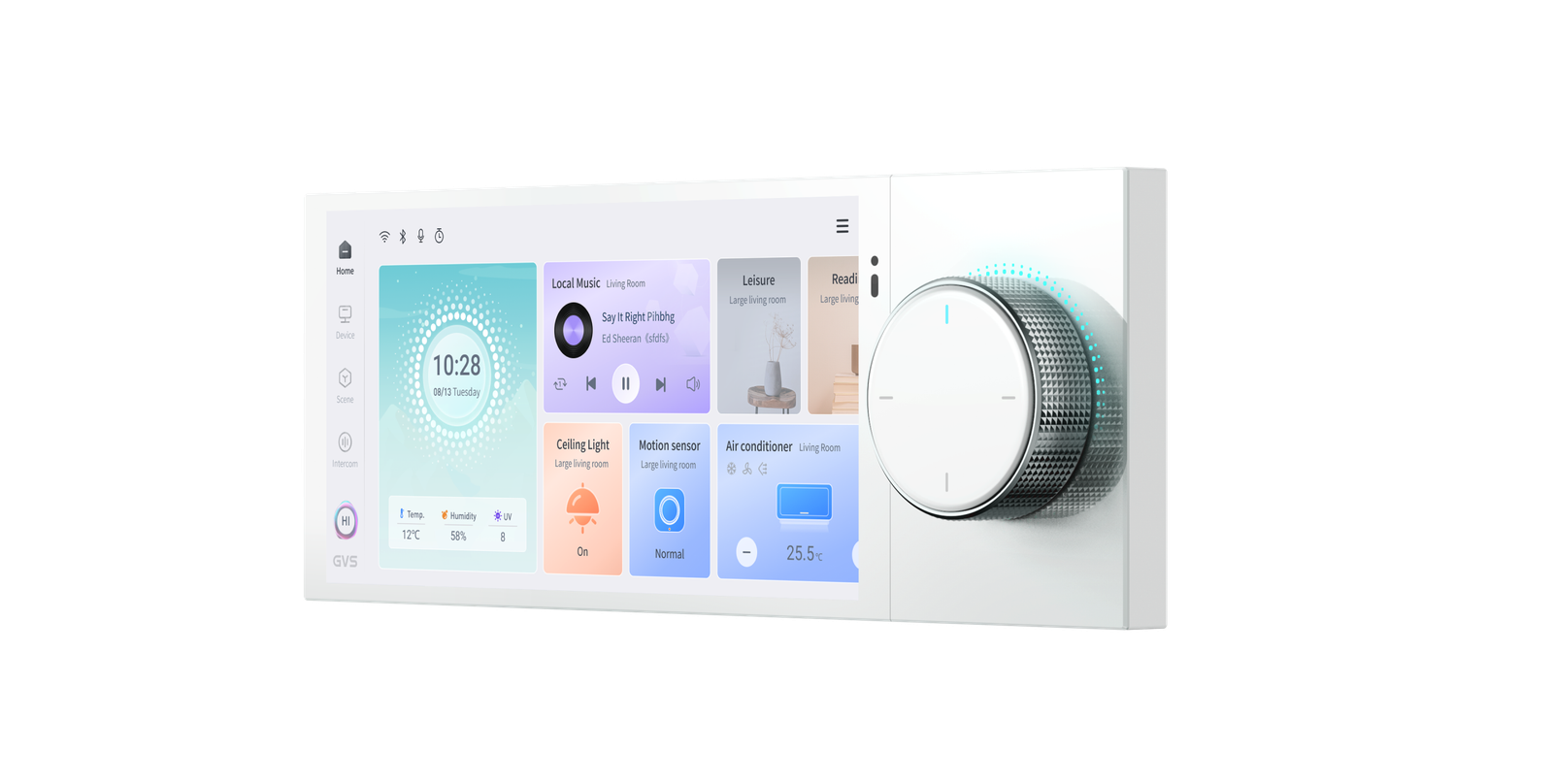
KNX Smart Touch Panel KNX Smart Touch S7 with Rotary switch - Image 4
KNX Smart Touch Panel KNX Smart Touch S7 with Rotary switch - Image 5
KNX Smart Touch Panel KNX Smart Touch S7 with Rotary switch - Image 6
KNX Smart Touch Panel KNX Smart Touch S7 with Rotary switch - Image 7
KNX Smart Touch Panel KNX Smart Touch S7 with Rotary switch - Image 8
KNX Smart Touch Panel KNX Smart Touch S7 with Rotary switch - Image 9

KNX Smart Touch Panel KNX Smart Touch S7 with Rotary switch

Rate Now

Login

Description

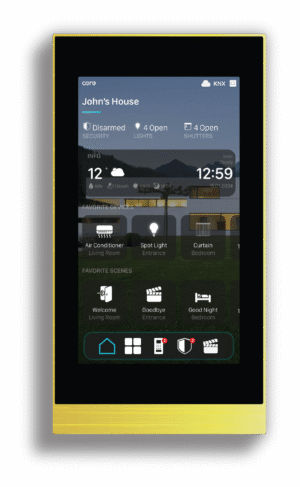
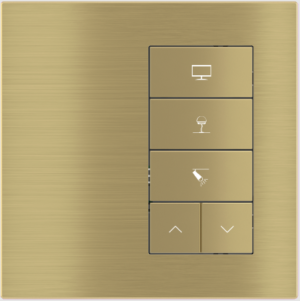
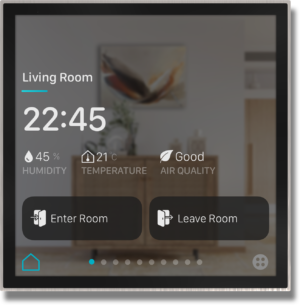
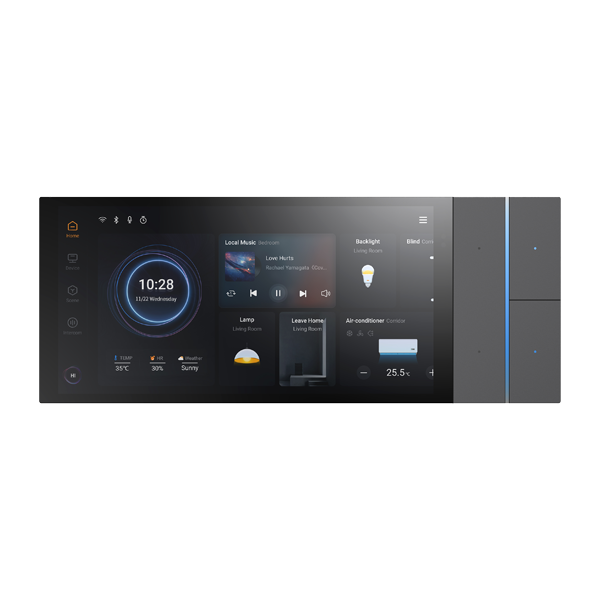
KNX Smart Touch S7 is a 6.9-inch KNX smart control panel with a screen resolution of up to 1440*720.In addition to integrating KNX device control, it also connects to a SIP intercom system, combining indoor and outdoor communication into one entity.

Product parameter
Bus voltage: 21-30V DC,via the KNX bus
Bus current: <3.8mA/24V, <3.4mA/30V
Bus consumption: <0.1W
Proximity sensor:Normal:30cm Enhanced:60cm
Temperature sensor:-40-80℃
Humidity sensor:0-100%
Operation: -5 °C ... +45 °C
Storage: -25 °C ... +55 °C
Transport: – 25 °C ... +70 °C
Humidity: <93%, except dewing

Customize Your Finish

Collection Standard Finishes Metal Finishes Matt Colors
Frame Color
b w

Related products

  • “Virtual” pushbutton Signum with Thermostst

    “Virtual” pushbutton Signum with Thermostst

    Description “Virtual” KNX-standard pushbutton, i.e. based on a borderless IPS touch display, in which each button...
    Login
  • 4-fold pushbutton (left) with backlit text/symbols and proximity sensor

    4-fold pushbutton (left) with backlit text/symbols and proximity sensor

    Description The Ekinex® 20venti series 4-fold pushbutton is used for on/off control of utility devices, dimming...
    Login
  • Eclipse Home Controller Touch Panels 5"

    Eclipse Home Controller Touch Panels 5″

    Designed for Exclusive Living Spaces Eclipse is designed to ensure premium touch panel experience forexclusive living...
    Login
  • KNX Smart Touch Panel V50s

    KNX Smart Touch Panel V50s

    5″ IPS touch panel, resolution 480*854, aluminum faceplate, built-in temperature & proximity sensor, vertical/horizontal adjustable. Full...
    Login
  • Atios KNX Bridge Matter-KNX-DALI2

    Atios KNX Bridge Matter-KNX-DALI2

    Control your KNX devices with Apple Home, the preinstalled and easy to use App with remote-access...
    Login
  • Advanced IP-KNX interface Konnect4 for KNX and/or Control4 installations

    Advanced IP-KNX interface Konnect4 for KNX and/or Control4 installations

    Ekinex Konnect4 Native integration in Control4 of Ekinex devices and configuration in Composer Pro The Ekinex...
    Login
  • KNX Smart Panel 8 remote access licence, unlimited

    KNX Smart Panel 8 remote access licence, unlimited

    Remote access to the building technology via JUNG server in Germany.For further information on the installation please...
    Login
  • 4-fold pushbutton (right) with backlit text/symbols and proximity sensor

    4-fold pushbutton (right) with backlit text/symbols and proximity sensor

    Description The Ekinex® 20venti series 4-fold pushbutton is used for on/off control of utility devices, dimming...
    Login
  • 5-fold pushbutton with backlit text/symbols and proximity sensor

    5-fold pushbutton with backlit text/symbols and proximity sensor

    Description The Ekinex® 20venti series 5-fold pushbutton is used for on/off control of utility devices, dimming...
    Login
  • 5-fold pushbutton with backlit text/symbols and proximity sensor (right-hand version)

    5-fold pushbutton with backlit text/symbols and proximity sensor (right-hand version)

    Description The Ekinex® 20venti series 5-fold pushbutton is used for on/off control of utility devices, dimming...
    Login
  • Eclipse Room Controller 4"

    Eclipse Room Controller 4″

    Eclipse room controller is designed to be the most exclusive touch panel for rooms. Its high-quality...
    Login
  • N 526E02 - KNX Switch/dimming actuator 8 x AC 230 V, 16 A, 1...10 V, UL standard

    N 526E02 – KNX Switch/dimming actuator 8 x AC 230 V, 16 A, 1…10 V, UL standard

    for switching and dimming of eight mutually independent groups (channels) of fluorescent lamps with dimmable electronic...
    Login

Customer Reviews

Reviews

There are no reviews yet.

Be the first to review “KNX Smart Touch Panel KNX Smart Touch S7 with Rotary switch” Cancel reply

Your email address will not be published. Required fields are marked *

Request Price KNX Smart Touch Panel KNX Smart Touch S7 with Rotary switch

Project Planning Request

A gioded request to help us understand your project
Let's Plan Your Project

Start by selecting the project type. We will tailor the next steps accordingly.

Select Required Services

Choose the systems or services your are interested in. Multiple selections allowed

get in touch

Ready to plan your project?

Planning a project or looking for the right control solution? Get in touch to discuss your project, visit the showroom, or request product guidance from our specialists.

Contact Us
Visit Showroom

Connect with our experts to design smarter, more refined environments.

Contact

+1 702-344-6214
info@smartbuildingsolutions.us
+1 929-343-6724

Location

Showroom 6738 W Sunset Rd Suite
160 Las Vegas, NV 89118

  • About Us
  • Services
  • Brands
  • Showcase
  • Web shop
  • SHADES
  • Project Inquiry
  • Technology We Use
  • Facebook
  • Instagram
  • YouTube
  • LinkedIn

© 2026 All rights reserved. Smart Building Solutions.

  • Back to top
  • Back to top

smart building solutions smart building solutions

Project Planning Request

A gioded request to help us understand your project
Let's Plan Your Project

Start by selecting the project type. We will tailor the next steps accordingly.

Select Required Services

Choose the systems or services your are interested in. Multiple selections allowed

Cart 0
Your cart is empty.