
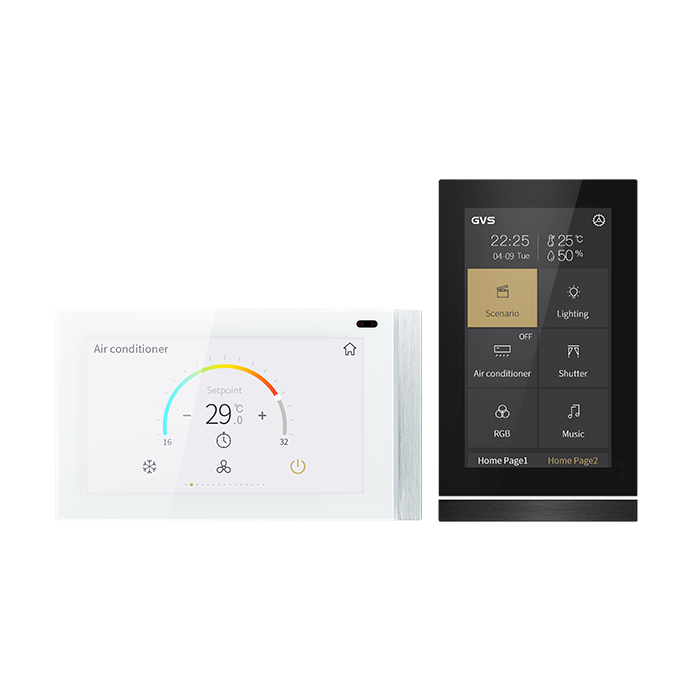
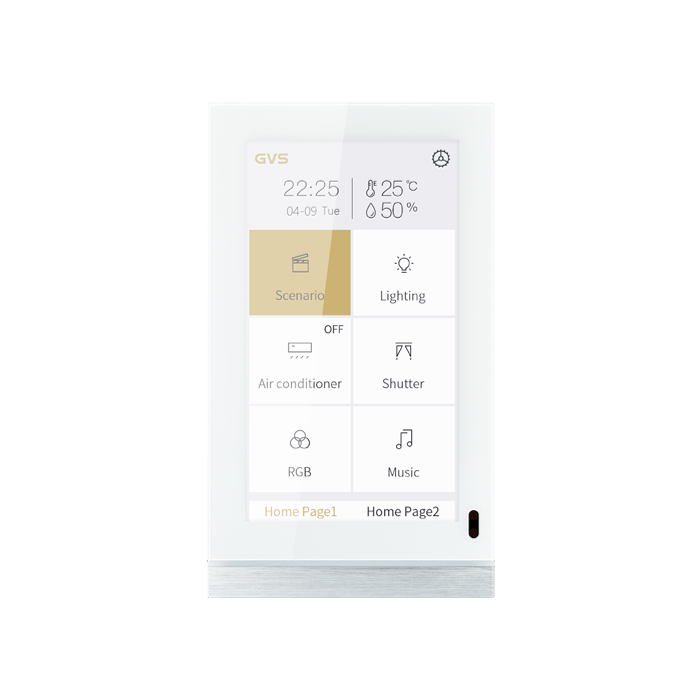
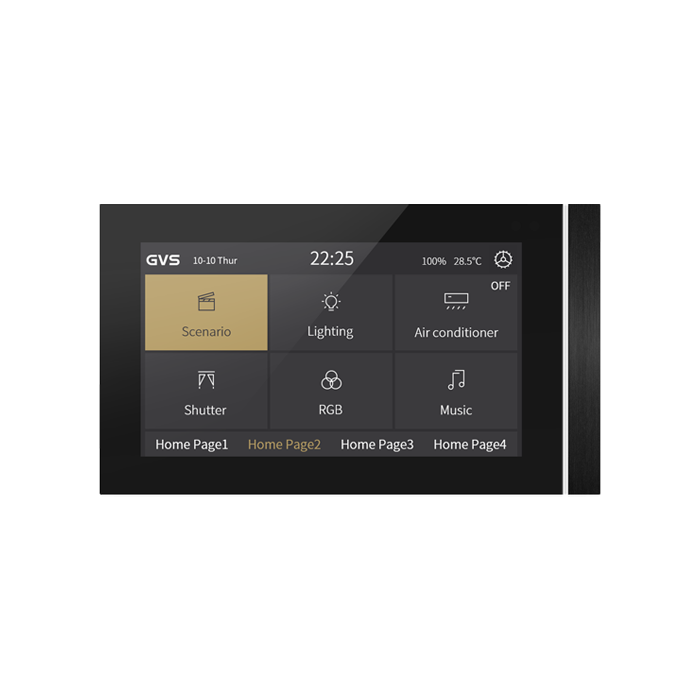
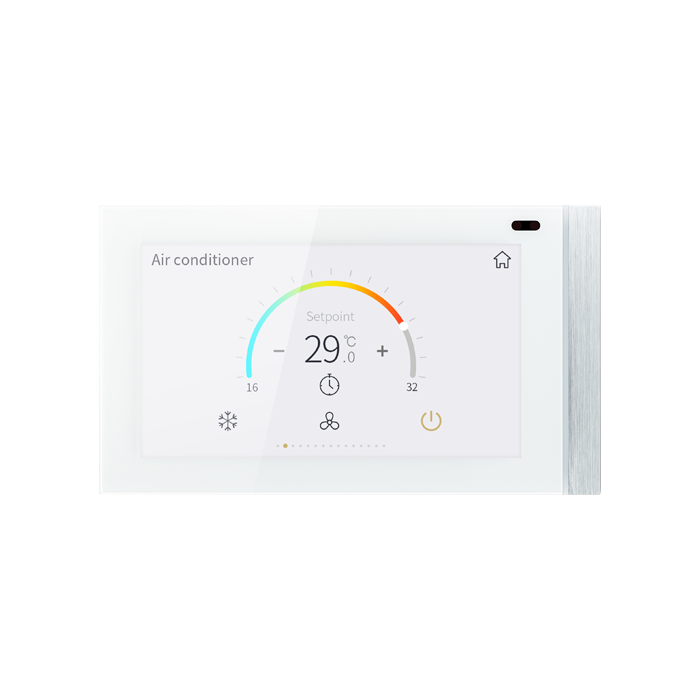
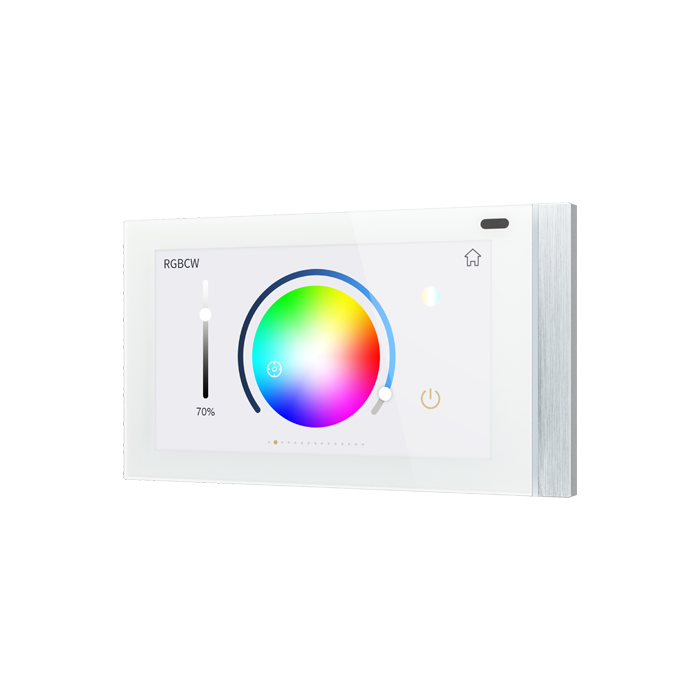
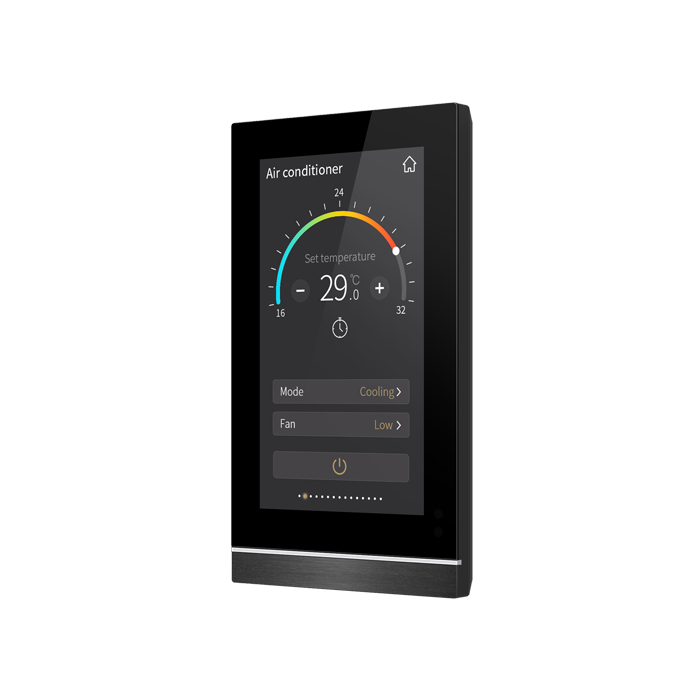
KNX Smart Touch Panel V50s
Description
5" IPS touch panel, resolution 480*854, aluminum faceplate, built-in temperature & proximity sensor, vertical/horizontal adjustable. Full KNX functions: 15 control pages including switch, dimming, shutter, scene control, value sending, RGB, RGBW, RGBCW, Color Temp. control, HVAC, AC, floor heating, ventilation, audio control, energy metering, air quality display. Max.16 timing , 8 group event, 8 logic functions, HCL function. Support icon customization by SD card. Installation: wall mounted, fits in 86*86mm, German 60mm, Swiss/Australian /US standard wall
Product parameter
Weight: 0.3KG
Size: 86 x 148.8 x 11.5mm
Bus voltage: 21-30V DC, via KNX bus
Bus current: 6mA/24V DC, 5mA/30V DC
Bus consumption: <150mW
Voltage: 24-30V DC
Size: 86 x 148.8 x 11.5mm
Bus voltage: 21-30V DC, via KNX bus
Bus current: 6mA/24V DC, 5mA/30V DC
Bus consumption: <150mW
Voltage: 24-30V DC
Current: <99mA/24V DC, <82.5mA/30V DC
Consumption: <2.5W
Operation: –5 °C ... + 45 °C
Storage: –25 °C ... + 55 °C
Transport: – 25 °C ... + 70 °C
Humidity: <93%,except for dewing
Consumption: <2.5W
Operation: –5 °C ... + 45 °C
Storage: –25 °C ... + 55 °C
Transport: – 25 °C ... + 70 °C
Humidity: <93%,except for dewing
Proximity sensor: Approximately 30cm
Installation: Wall-mounted installation,
install the metal plate onto the 80 or 86
junction box firstly, and then install the
device into metal plate.
Installation: Wall-mounted installation,
install the metal plate onto the 80 or 86
junction box firstly, and then install the
device into metal plate.
Customize Your Finish
Collection
Standard Finishes
Metal Finishes
Matt Colors
Frame Color
b
w
Related products
-
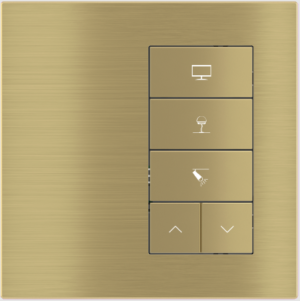
5-fold pushbutton with backlit text/symbols and proximity sensor (right-hand version)
Description The Ekinex® 20venti series 5-fold pushbutton is used for on/off control of utility devices, dimming... -
KNX Smart Touch Panel KNX Smart Touch S7 with Rotary switch
KNX Smart Touch S7 is a 6.9-inch KNX smart control panel with a screen resolution of... -
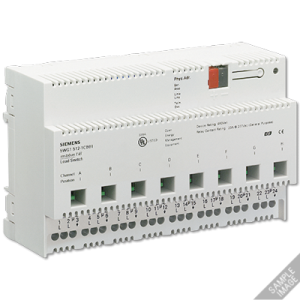
N 512C01 – KNX Load switch, 8 x AC 120 V / AC 277 V / AC 347 V‚ 20 A, C load (cUL listed)
DIN-rail mounted device for the KNX lighting control paneleight outputs to switch eight separate groups of... -
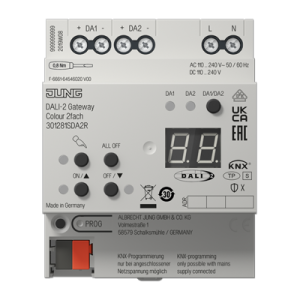
KNX DALI-2 gateway Colour 2-gang, Rail mounting device, 4 rail units, Secure
rail mounting device, 4 rail units-non UL Intended useControlling of luminaires and other applications with DALI... -
KNX Smart Touch Panel KNX Smart Touch S7
KNX Smart Touch S7 is a 6.9-inch KNX smart control panel with a screen resolution of... -
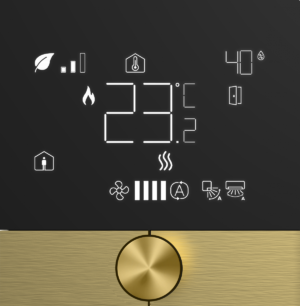
Eclipse Thermostat Complete Air Conditioner Thermostat
Eclipse Thermostat Complete Air Conditioner Thermostat Multi-functional and Intuitive Functional but not Complicated Most of the multi-functional thermostats... -
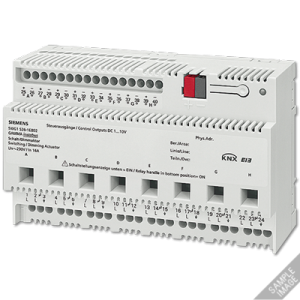
N 526E02 – KNX Switch/dimming actuator 8 x AC 230 V, 16 A, 1…10 V, UL standard
for switching and dimming of eight mutually independent groups (channels) of fluorescent lamps with dimmable electronic... -
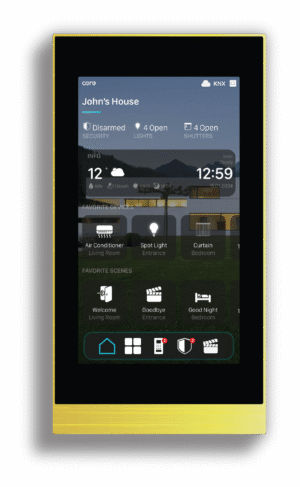
Eclipse Home Controller Touch Panels 5″
Designed for Exclusive Living Spaces Eclipse is designed to ensure premium touch panel experience forexclusive living... -

KNX Smart Panel 203 mm – 8’’
Intended useVisualisation and operation of system statuses and information on building automationMounting horizontally (recommended) or verticallyMounting... -
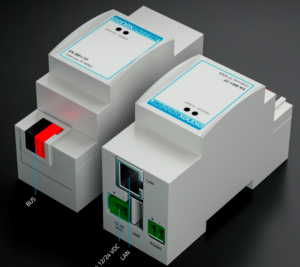
Advanced IP-KNX interface Konnect4 for KNX and/or Control4 installations
Ekinex Konnect4 Native integration in Control4 of Ekinex devices and configuration in Composer Pro The Ekinex... -
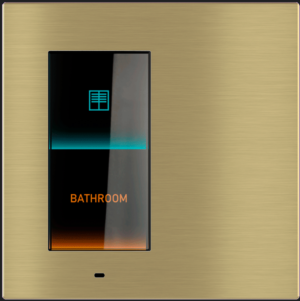
“Virtual” pushbutton Signum
Description “Virtual” KNX-standard pushbutton, i.e. based on a borderless IPS touch display, in which each button... -
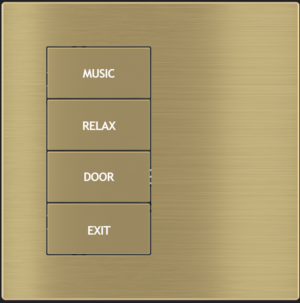
4-fold pushbutton (left) with backlit text/symbols and proximity sensor
Description The Ekinex® 20venti series 4-fold pushbutton is used for on/off control of utility devices, dimming...
Reviews
There are no reviews yet.